
APPLE WATCH AUDIO RECORDER
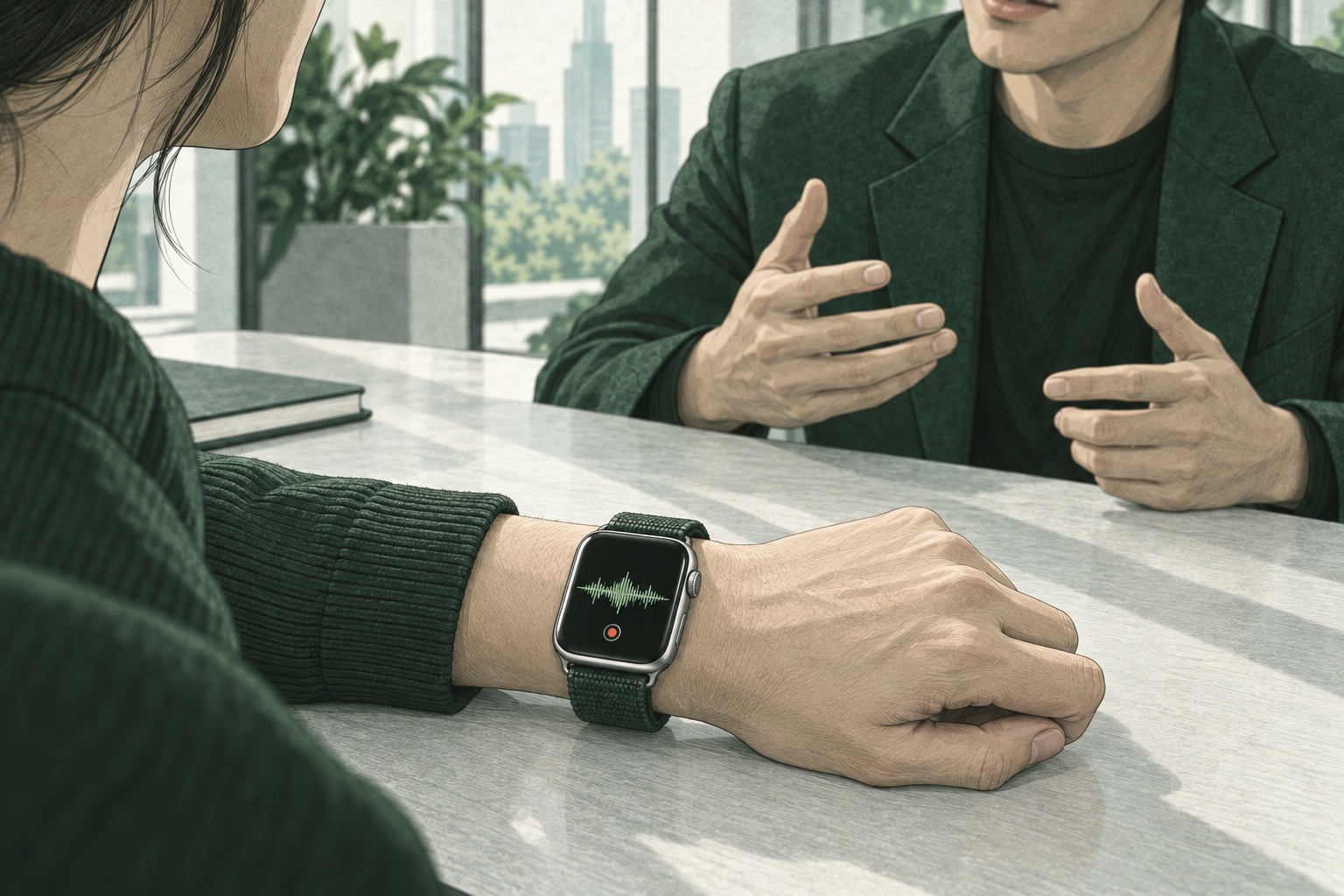
Record on Watch→Transfer through iPhone→AI notes on Mac
This is what you get.
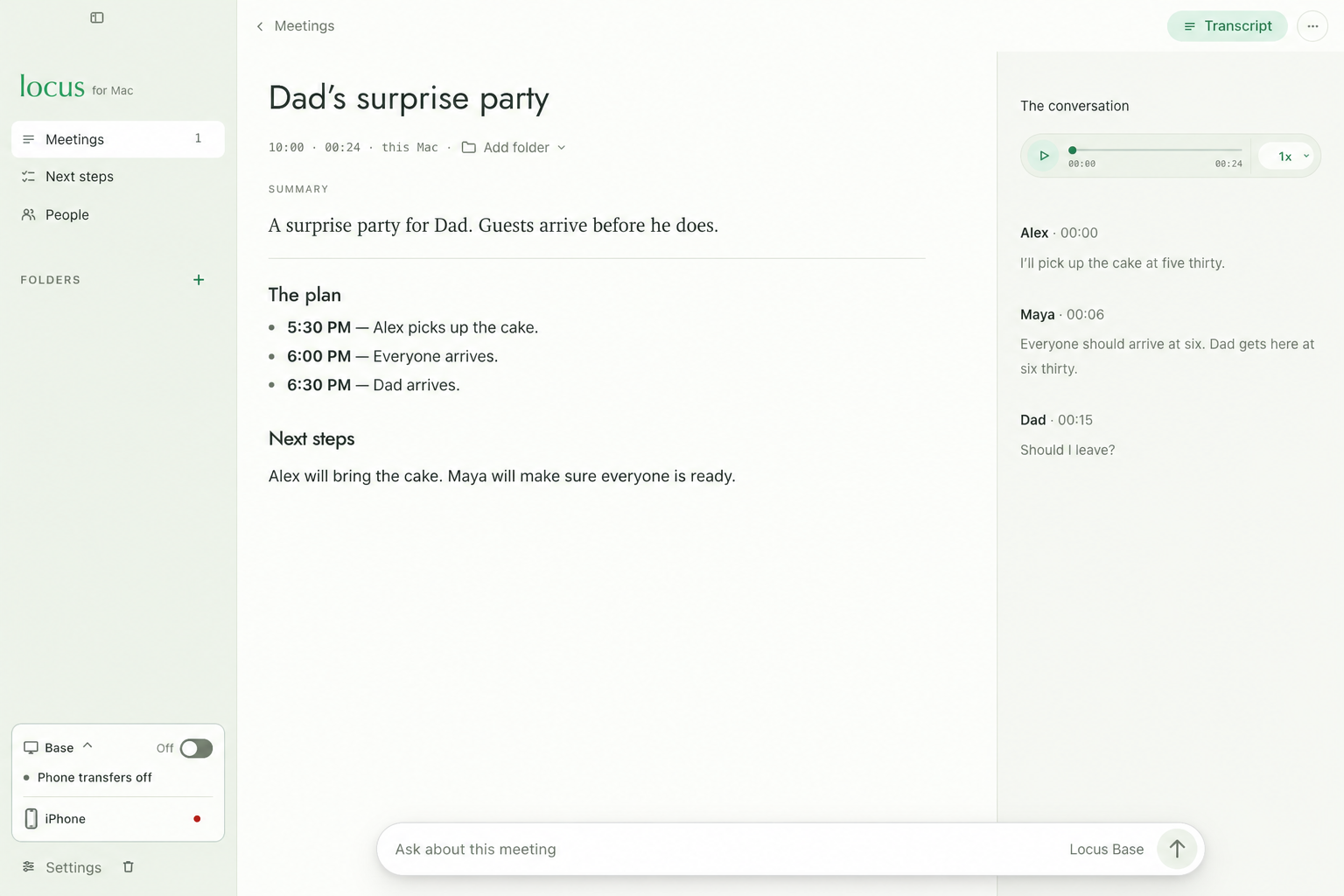
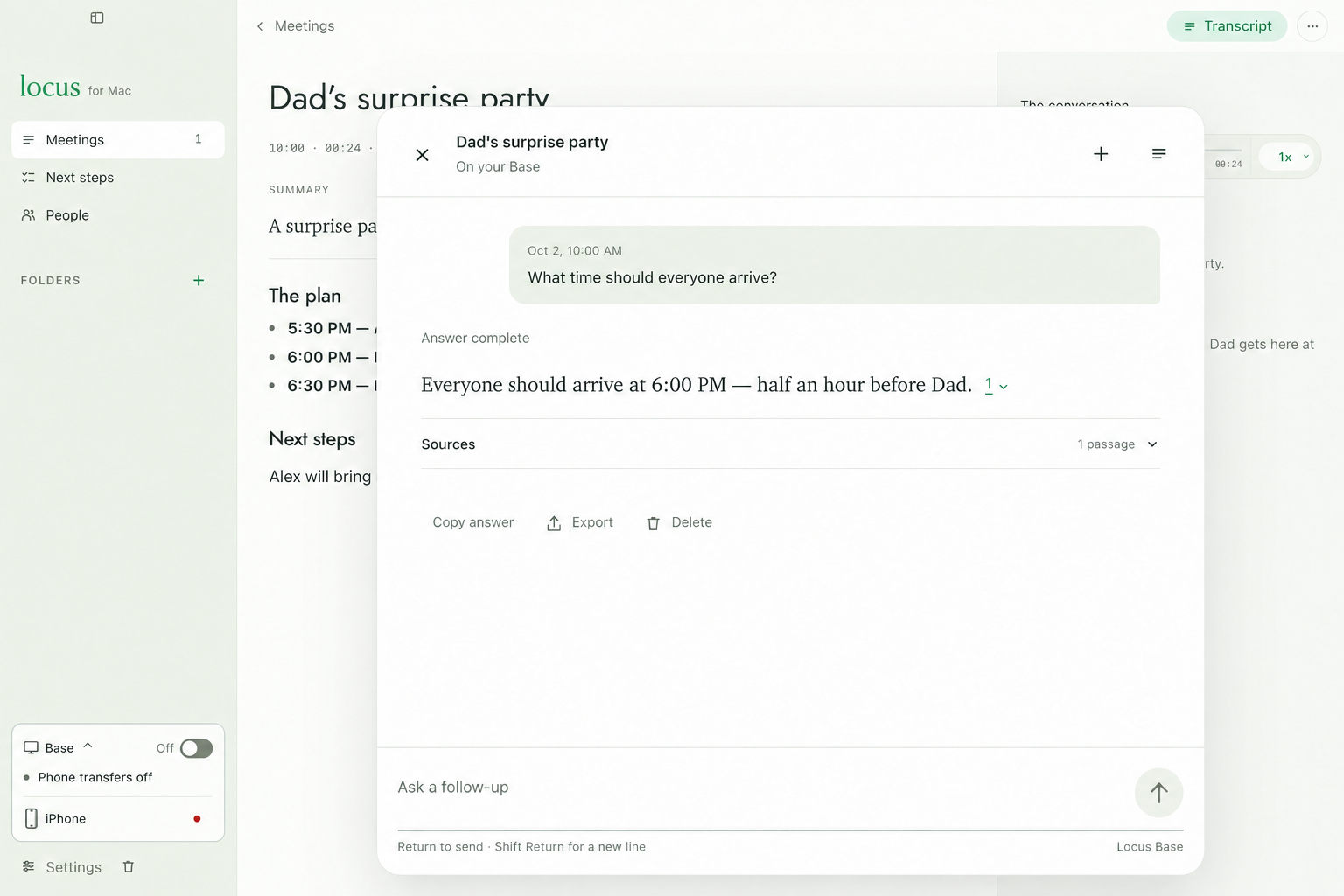
Mac app demo · Sample conversationTap to enlargeClick to enlarge ↗
Read the transcript.
Find the words without replaying everything.
Get the summary.
Decisions and next steps, ready to review.
Keep it on your devices.
Your Mac runs the AI. No cloud AI required.
BEFORE YOU JOIN
Your Watch records.
Your Mac does the AI.
iPhone companion app required.
Mac: M3 or later · 24 GB+ · macOS 26+
Can I record offline?
Yes. Recording and playback work offline. Local AI works after a model download. Connect your devices to transfer recordings.
Why use Locus instead of Voice Memos?
For Watch recordings you want to transcribe, summarize, and ask questions about using local AI on your Mac. For basic recording, Apple’s built-in Voice Memos may be enough. Apple’s recording guide ↗
When can I try it?
Locus is in preview. Join for availability and pricing updates.
LOCUS / COMING SOON
Be first to try Locus.
Get an email when it’s ready.