Record the meeting.
On a call, record on your Mac with Include Mac audio. In the room, tap record on your Apple Watch or iPhone. Ask everyone first; many places require consent.
 Join the waitlist
LOCAL MEETING TRANSCRIPTION / MAC
Record calls on your Mac, or the room on Apple Watch or iPhone.
Your Mac writes the transcript and the notes with local AI.
No bot joins the call. No cloud AI required.
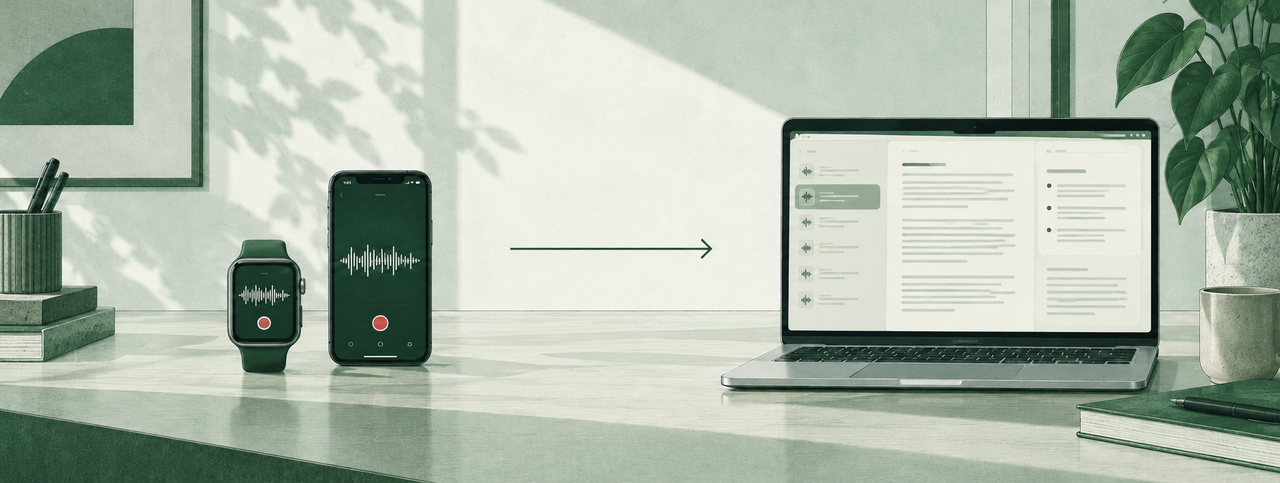
On a call, record on your Mac with Include Mac audio. In the room, tap record on your Apple Watch or iPhone. Ask everyone first; many places require consent.
Mac recordings are already there. Watch recordings travel through your iPhone to your paired Mac; the transfer needs a connection between your devices.
After setup and the one-time model download, your Mac writes the transcript, names the speakers it has learned, and drafts the notes. Search the transcript or ask it questions.
02 / AN AI NOTE TAKER THAT DOES NOT JOIN MEETINGS
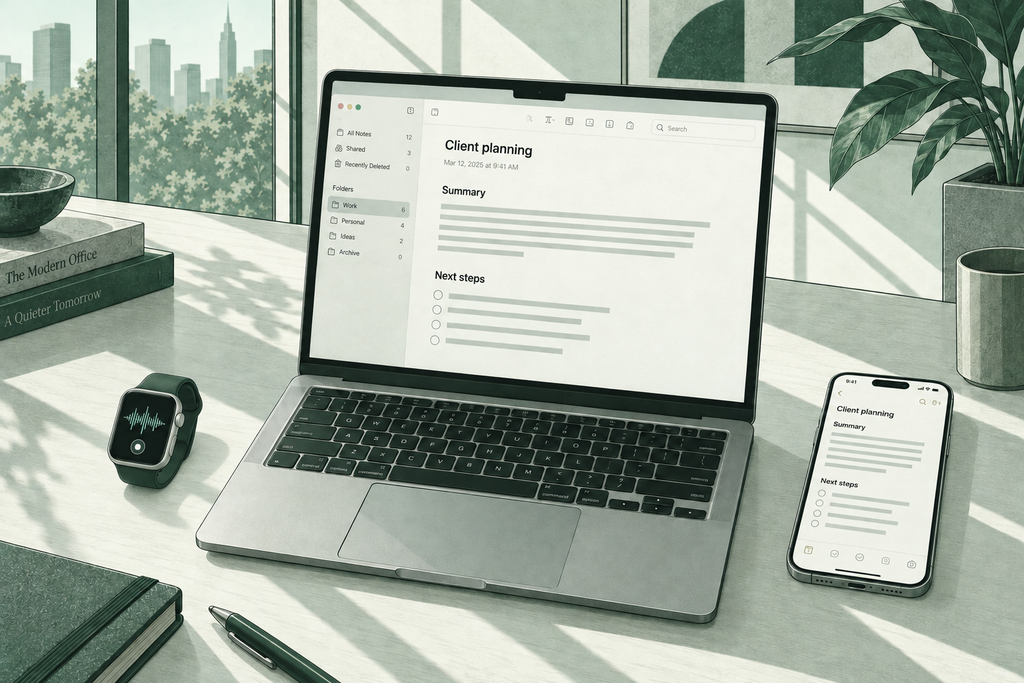
Locus records on your devices without joining the call as a guest. The Mac recorder captures your microphone. Turn on Include Mac audio to also capture sound played by the Mac. macOS asks your permission first. It also records any other sound the Mac plays while recording, so close what you do not want in the recording. In the room, your Apple Watch or iPhone records like a voice recorder on the table. Either way, your Mac does the AI work.
Nobody joins your meeting as a participant, so tell people you are recording; many places require consent. Deciding between a bot and a recorder? Read AI note taker privacy concerns first. Comparing tools? See Plaud and Granola side by side with Locus, or the guides for lawyers and therapists.
What local really meansTranscription and summaries run on your Mac. Remote access is enabled by default: transfers between your iPhone and Mac can use a direct connection or a relay. If you use iCloud Drive, Obsidian Sync or another sync service, that service can sync copies of your files.
Recording and playback work offline. After the one-time model download, transcription works without internet too. Transfers between your own devices still need a connection between them.
The models live on your Mac. The current preview requires Apple Silicon M3 or later, at least 24 GB of memory and macOS 27 or later. Your Watch and iPhone record; your Mac thinks.
Locus does not need to send meeting audio to a cloud AI provider for transcription or notes. Transfer and storage are separate: remote access is enabled by default, and iPhone/Mac transfers can use a direct connection or a relay. A cloud-synced folder or Obsidian Sync can sync copies of your files.
No. Locus does not join the call as a participant. On the Mac it records your microphone, with optional Mac-output capture through Include Mac audio. In the room it records on your Apple Watch or iPhone. Your Mac makes the transcript.
The Mac recorder captures your microphone. Include Mac audio adds sound played by the Mac, subject to macOS recording permission. Check a short recording with your calling app before relying on it. The transcript and notes use local AI on your Mac.
Yes, after setup. The one-time AI model download needs internet. After that, recording, transcription and summaries work offline. Moving a Watch recording to your Mac needs a connection between your own devices.
The current preview requires a Mac with Apple Silicon M3 or later, at least 24 GB unified memory, and macOS 27 or later. The models run on the Mac itself. The iPhone companion app is required for the Watch workflow.
Whisper tools transcribe audio files you bring to them. Locus is the whole path: recording on Watch or iPhone, transfer to your Mac, transcript, speaker names, notes, and questions over your meetings, with AI processing on your Mac. If you like, keep the notes in Obsidian.
COMING SOON
Join us for Locus launch updates.
Optional website analytics is off. Allow Google Analytics cookies to help us understand visits? Privacy details.