
APPLE WATCH · GUIDE
Can Apple Watch
record audio?
Yes. Apple Watch has a built-in Voice Memos app, and recorder apps like Locus record on the Watch too. Here is what Apple documents, what it does not, and how to turn a Watch recording into a transcript.
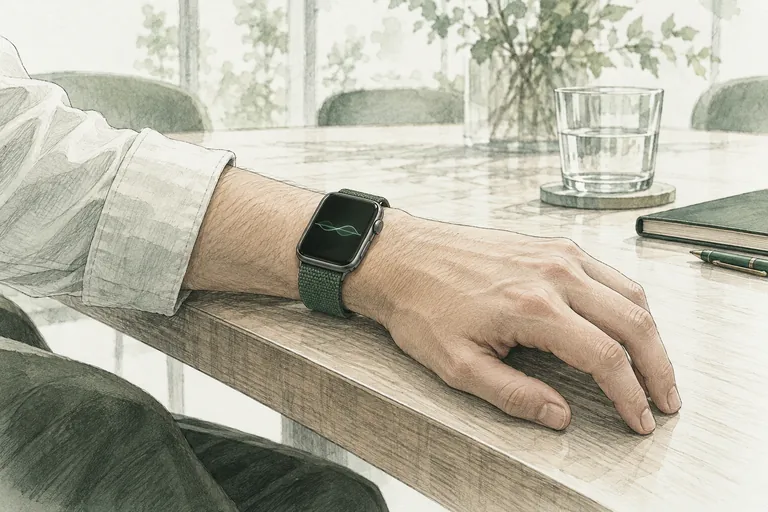
What Apple documents, and what it does not.
Apple describes recording on the Watch in its Voice Memos guide. Here is what it says, and the gaps.
What Apple documents
- Open Voice Memos on the Watch, press Record, press Stop. The elapsed time shows while recording.
- Recordings sync to your iPhone, iPad and Mac through iCloud when you are signed in with the same Apple Account. On those devices they appear under Watch Recordings.
- Playback, skip ahead and skip back work on the Watch.
What Apple does not say
- No maximum recording length or file size is published.
- Whether recording continues with the wrist down or the screen off is not stated.
- Whether the iPhone must be nearby to record is not stated. Sync timing and whether it needs Wi-Fi or cellular are not stated.
- No transcription on the Watch is described.
When a page tells you an exact hour limit or “records in the background for ever”, ask where that number comes from. Source: Apple Watch User Guide, Voice Memos, read 20 October 2026.
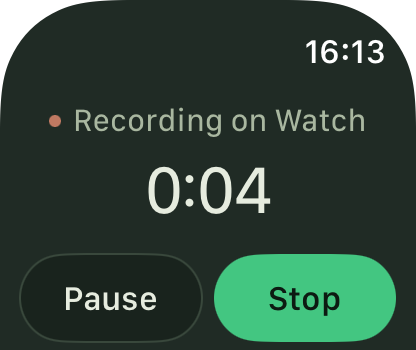
Length, the iPhone and the background.
Three questions people ask most, and what is known about each.
How long can an Apple Watch record audio?
Apple publishes no limit. Storage and battery set the practical limit. For a long session, start with a charged Watch and keep the iPhone within reach so the recording can transfer when you stop.
Can it record without the iPhone?
Recording happens on the Watch, so the Watch does the capture. Getting the recording somewhere useful is the part that needs other devices: Voice Memos uses iCloud, and Locus transfers through your iPhone to your Mac.
Does it record in the background?
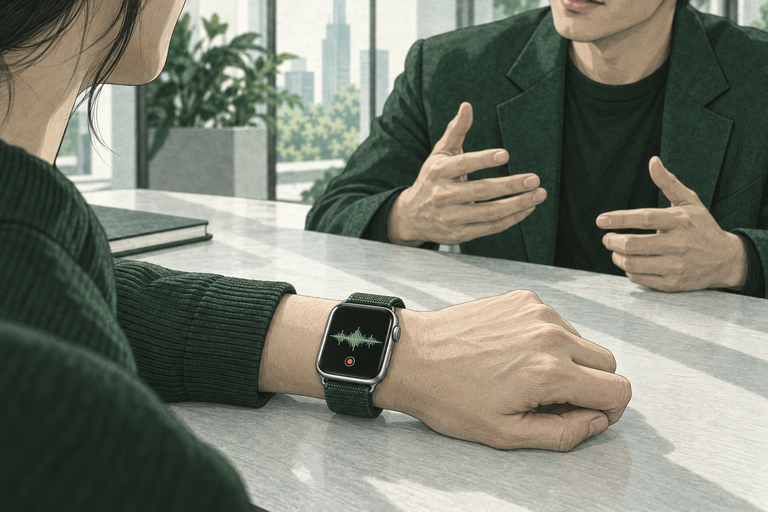
Apple’s guide does not state it. In Locus the recording controls are on the Watch: record, pause, resume, stop, and a pin to mark a moment. There are no remote controls from the iPhone and no hidden recording. Ask before you record people; in many places consent is required.
Record first, transfer later is the normal order.
How to get a transcript from a Watch recording.
Three steps, whichever app you record with.
- Record on the Watch. Voice Memos or Locus. Tap record when the meeting or the thought starts.
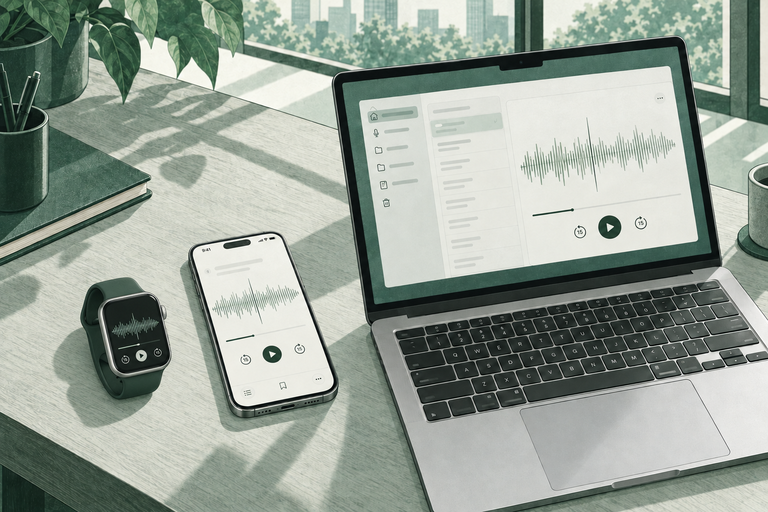
- Move it to the Mac. Voice Memos syncs through iCloud. Locus transfers through your iPhone to your Mac and keeps the audio on the Watch until the transfer is confirmed.
- Transcribe on the Mac. With Locus your Mac runs the transcription and the summary with local AI; no cloud AI required. You can search the transcript or ask it questions. Send the notes to Obsidian if that is where you keep them.
Locus needs the iPhone companion app and a Mac with Apple silicon M3 or later, 24 GB of memory and macOS 26 or later. See the Apple Watch audio recorder page.
 Product
 Product
 Template