
The Locus Introduction
What you record
on your devices
stay on your devices
A place for the things worth remembering. Learn how your devices turn a conversation into notes you can use—and keep.
Jump to the guide ↓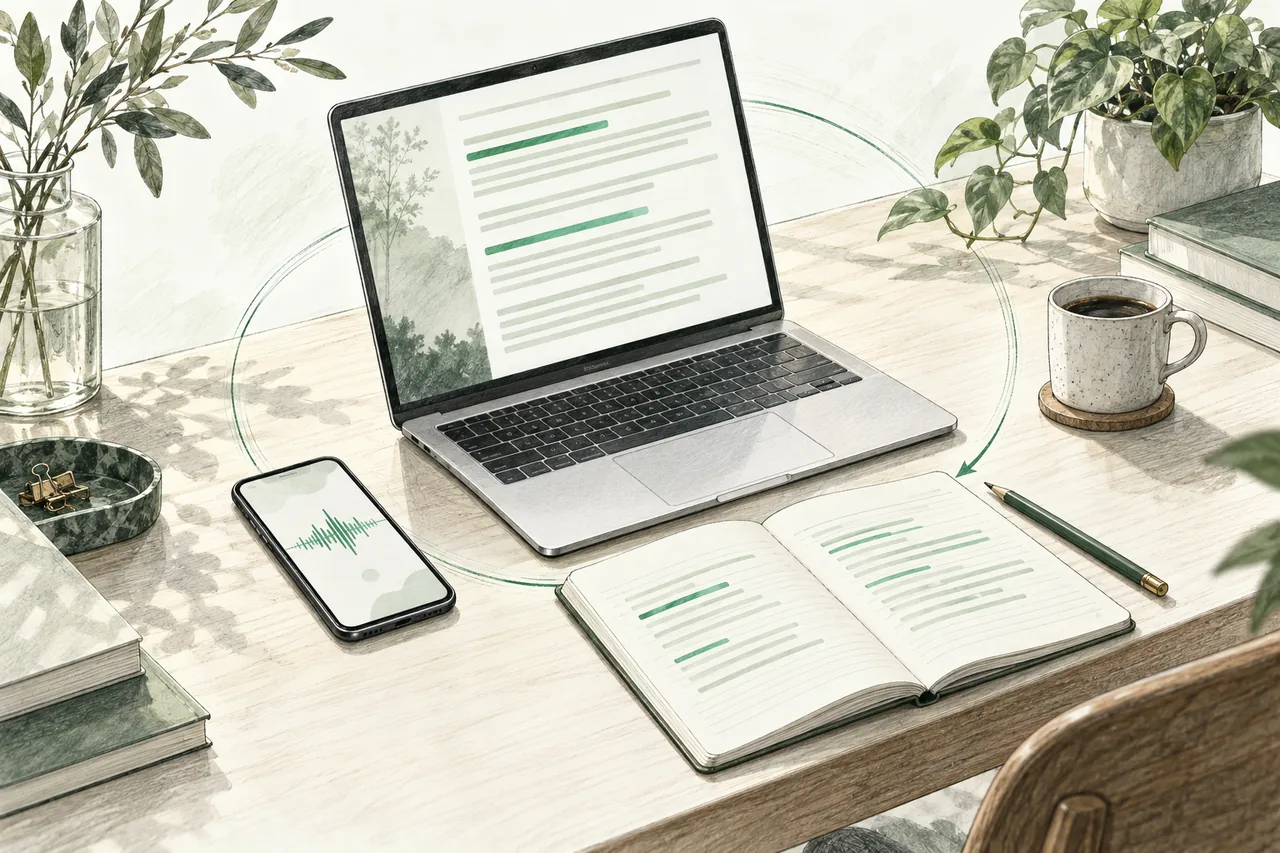
Three roles. One place to return to.
Think of Locus as a connected workspace: a way to capture, a place to prepare, and a library you own.
Mac Base
Prepares the transcript
and notes locally
Your notes
Read on Mac & iPhone
Capture
Record with your Watch, iPhone or Mac. Use the device that fits the conversation.
Base
Your Mac is your Base. Its local AI turns audio into a transcript, speaker labels, notes and next steps.
Library
Keep the recording and readable files together. Return to them in Locus or open the files in another app.
From a conversation to a clear next step.
Set up once. Then let your devices do their part.
- Start a recording. Let the people with you know you are recording. Tap Record on Watch, or use the recording control on iPhone or Mac.
- Stop when you are done. Watch passes its audio to iPhone. The paired iPhone passes it to your Mac Base.
- Give Base time to prepare. Keep your Mac awake and Base running. Locus transcribes, separates speakers and writes the notes.
- Read, check and act. Open the meeting on Mac or iPhone. Check a detail against the audio, name a speaker, or follow up on a next step.
A record you can work with.
A summary helps you find the point. The transcript and audio let you check the detail.
Read
Start with the summary and next steps. Open the transcript for the full conversation.
Check
Use a timestamp to return to the recording. Review names and important details before you share them.
Keep
Your notes are Markdown files alongside the source audio. Open the same folder in Obsidian when you want to connect ideas.
Local AI means the Mac prepares the notes. Sharing files or choosing a cloud-synced folder are separate actions you control.